
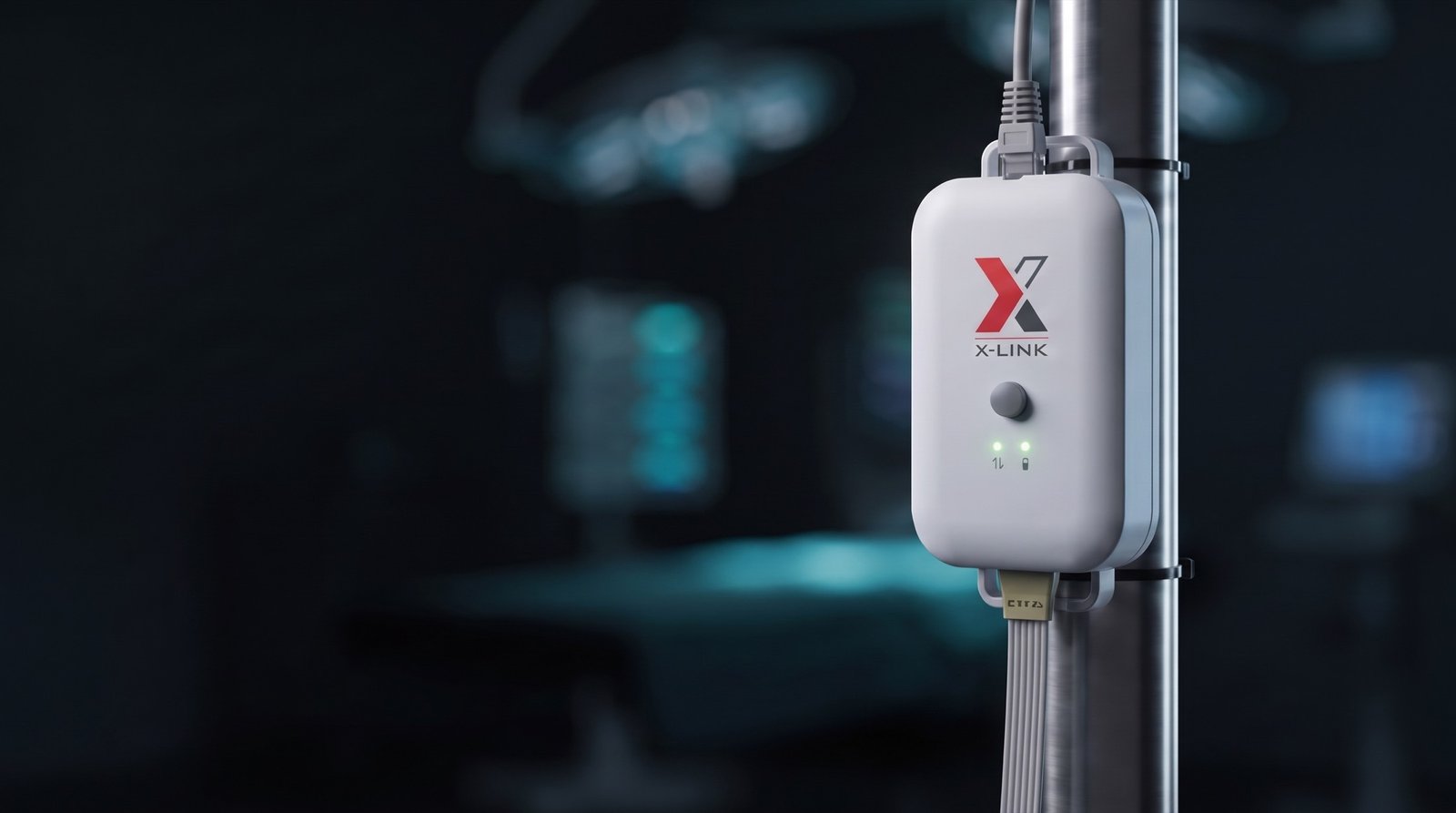
X-Link. The record writes itself.
The X-Link is the secure Ethernet bridge between the Stimpod™ NMS450X+ and your hospital EMR. Every neuromuscular result crosses your network as a standard HL7 message and lands in the patient record. No transcription, no keystrokes in between.
Works over CAT 5 Ethernet in HL7, FHIR and IHE, and charges the monitor between cases.
You reversed on a measured number, so the record should carry that same number.
In most theatres the chart still depends on a hand copying numbers under pressure. Results arrive late, rounded, or not at all. X-Link removes the copying step: the number you trusted in theatre is the number in the record.
No app to open. No button to press. Nothing new to learn.
Follow one result.
A train-of-four ratio leaves the Stimpod™ the moment it is measured. This is the path it takes through your hospital.
A number you can trust
The Stimpod™ stimulates the nerve, measures the response, and validates the signal on the device. What leaves for the record is exactly what the anaesthetist sees on screen. Truth in Signal, all the way down the wire.
Across one cable
The result crosses the Stimpod™ interface cable to the X-Link on the pole. Two green LEDs confirm the link: one for the Stimpod™, one for the EMR connection. X-Link relays data exactly as measured. It does not alter, analyse or store it.
Onto your network, on your terms
X-Link joins the hospital network over CAT 5 Ethernet as a device your IT team onboarded: hospital-managed certificates, a whitelisted MAC address, a static IP. From here the result travels as a standard HL7 message.
Received and forwarded
The Capsule MDIP server receives the HL7 message and forwards it to your EMR system. Existing and new NMS450X+ devices integrate the same way, with little to no user interaction once installed.
In the chart, attributed
The result lands in the patient record, attributed to patient and procedure: TOF counts and ratios, PTC, DB and DEP results, individual pulse values, stimulus current and sensor type. Nothing retyped, nothing rounded, nothing waiting for the end of the list.
The X-Link does not store, transmit or process any confidential or protected patient health information.
Security your IT team will recognise.
X-Link joins the hospital network as a managed device: hospital-issued certificates, MAC whitelisting, and a static IP or DHCP. It is designed to be onboarded, not smuggled in. Everything about it assumes your network has rules.
Certificate onboarding
Hospital-managed certificates with an RSA 2048 key pair or a more secure alternative, rotated on a regular schedule. Server authentication enabled on the DDI interface.
Managed device onboarding
Configured through the X-Link Setup Application over USB-C: MAC whitelisting, a static IP or DHCP, named device locations your team assigns.
Built for closed networks
X-Link is installed on a hospital network that is air-gapped from the external internet. Internet access is needed once, on the setup PC during initial configuration, never in the OR.
A conduit, nothing more
X-Link is a Medical Device Data System. It does not store or process confidential patient data, and it does not analyse or alter what it carries.
The X-Link does not control or influence any functionalities of the Stimpod™ devices; it solely facilitates data transfer to enhance your clinical environment.
Cybersecurity guidance, quarantine steps and the incident contact (cybersec@xavant.com) are documented in the X-Link IFU.
Designed to be forgotten.
Once connected, X-Link transmits every Stimpod™ result to the EMR on its own. No app, no menus, no workflow change. If the X-Link is doing its job, nobody in the theatre is thinking about it.
Connect one cable
The Stimpod™ interface cable runs to the X-Link on the pole. Plug in, done.
Check two green LEDs
One confirms the Stimpod™, one confirms the EMR connection. That is the entire status check.
Monitor as you always have
Use the Stimpod™ exactly as you always have. Every result transmits as it is measured.
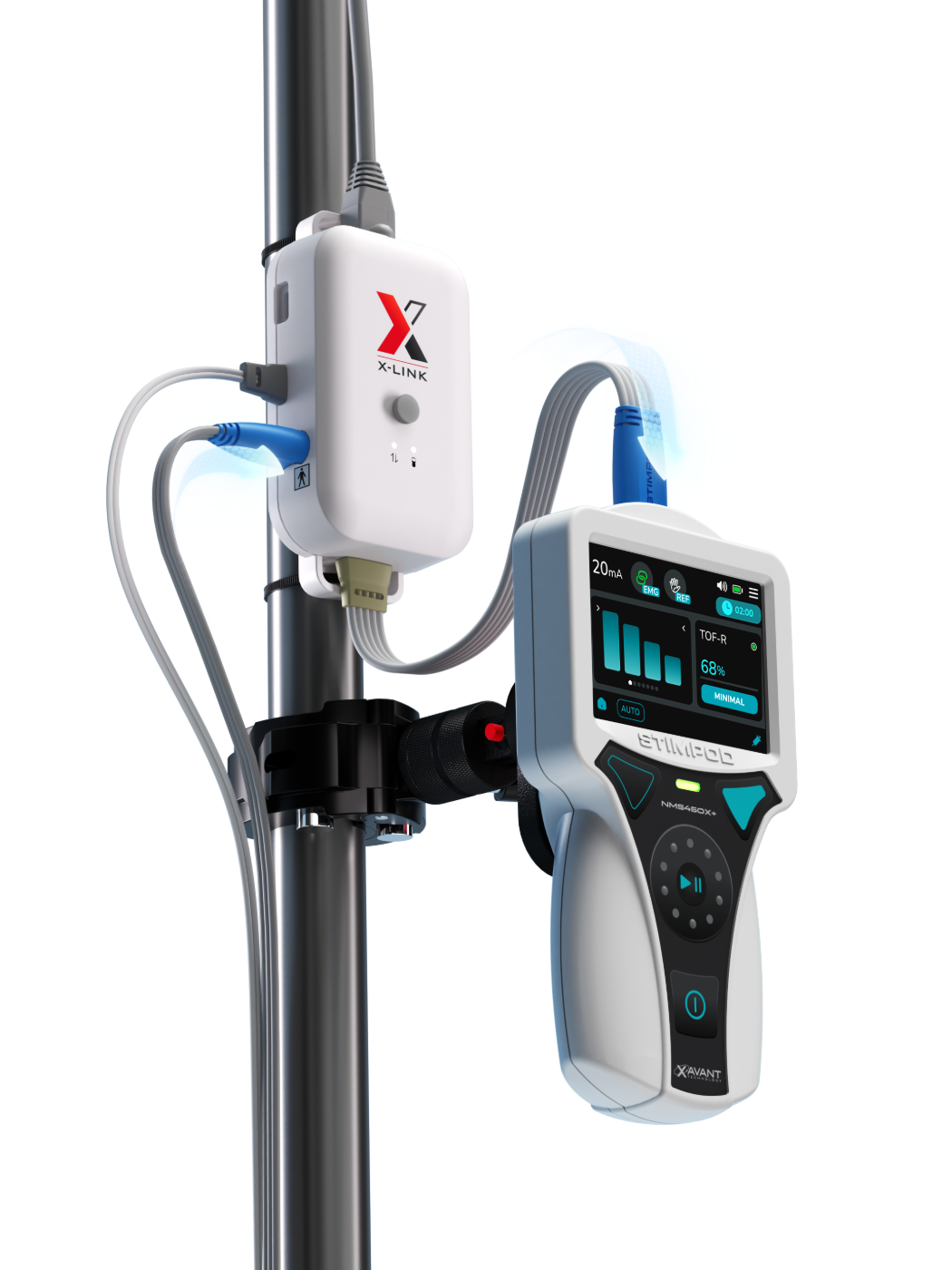
Between cases, it charges the Stimpod™.
Shut the NMS450X+ down after the case and charging starts on its own, stopping when the battery is full. The monitor that lives on the pole is ready for the next patient without anyone remembering to plug it in.
Automatic charging requires an NMS450X+ on software 10.6.8 or later.
The numbers your team will ask for.
The complete X-Link specification: Stimpod™ compatibility, physical and power.
| Device | Software | Hardware |
|---|---|---|
| Stimpod™ NMS450X+ | 10.6.8 or later · data plus automatic charging | XT-45030 |
| NMT monitoring cable · EMG | All software versions | XT-45003 · XT-45003A · XT-45003B |
| NMT monitoring cable · AMG | All software versions | XT-45025 · XT-45025A · XT-45025B |
| Physical attributes | |
|---|---|
| Dimensions | 121 mm (L) × 62 mm (W) × 31 mm (H) |
| Mass | 203.5 g |
| Operating temperature | 10–40 °C |
| Storage / transport temperature | 0–50 °C |
| Humidity | 90% RH operating, storage and transport |
| Atmospheric pressure | 80–106 kPa operating, storage and transport |
| Power supply | |
|---|---|
| Supply voltage | 5 ± 0.5 V |
| Supply current | 2.4 A max |
| Supply power | 12 W max |
| Power cable length | 2.5 m · non-removable regional adapter |
| Network | Ethernet · designed for a CAT 5 cable, purchased separately |
Already sending vital signs to the record through your patient monitor?
The Stimpod™ can show its results on the monitor the anesthesia team already watches, over a single Xavant cable, and the monitor carries them into the record with everything else. The clinician still runs the case from the Stimpod™.