

Stimpod™ results on the monitor your team already watches.
One Xavant cable connects the Stimpod™ NMS450X+ to the hospital's patient monitor. The clinician runs the case on the Stimpod™, the NMT values appear beside the other vital signs, and the monitor carries them into the patient record over the connection it already has.
The monitor shows the number while the Stimpod™ stays in charge.
Nothing about running a case changes. Stimulation, current and mode are set on the Stimpod™ as they always are, and the monitor gains a row of NMT values that it stores, trends and passes on like any other parameter.
On the patient monitor
The anesthesia team reads neuromuscular block next to heart rate and saturation, on the screen they already face.
- TOF ratio and TOF count, from automatic or manual measurement
- Post-tetanic count and the depth of block
- Stimulation mode, current and cable status
- Stimpod™ warnings shown as monitor alerts, where the monitor supports it
- Into the record through the monitor's own EMR connection
On the Stimpod™
Every decision about stimulation stays on the handheld, so the clinician works the device exactly as they were trained to.
- Start Case finds the supramaximal current and sets the reference
- TOF, PTC, double burst and the other modes, chosen per case
- AMG or EMG sensor, chosen per patient
- The full case recorded on the device
- Unplug the cable and it carries on as a handheld
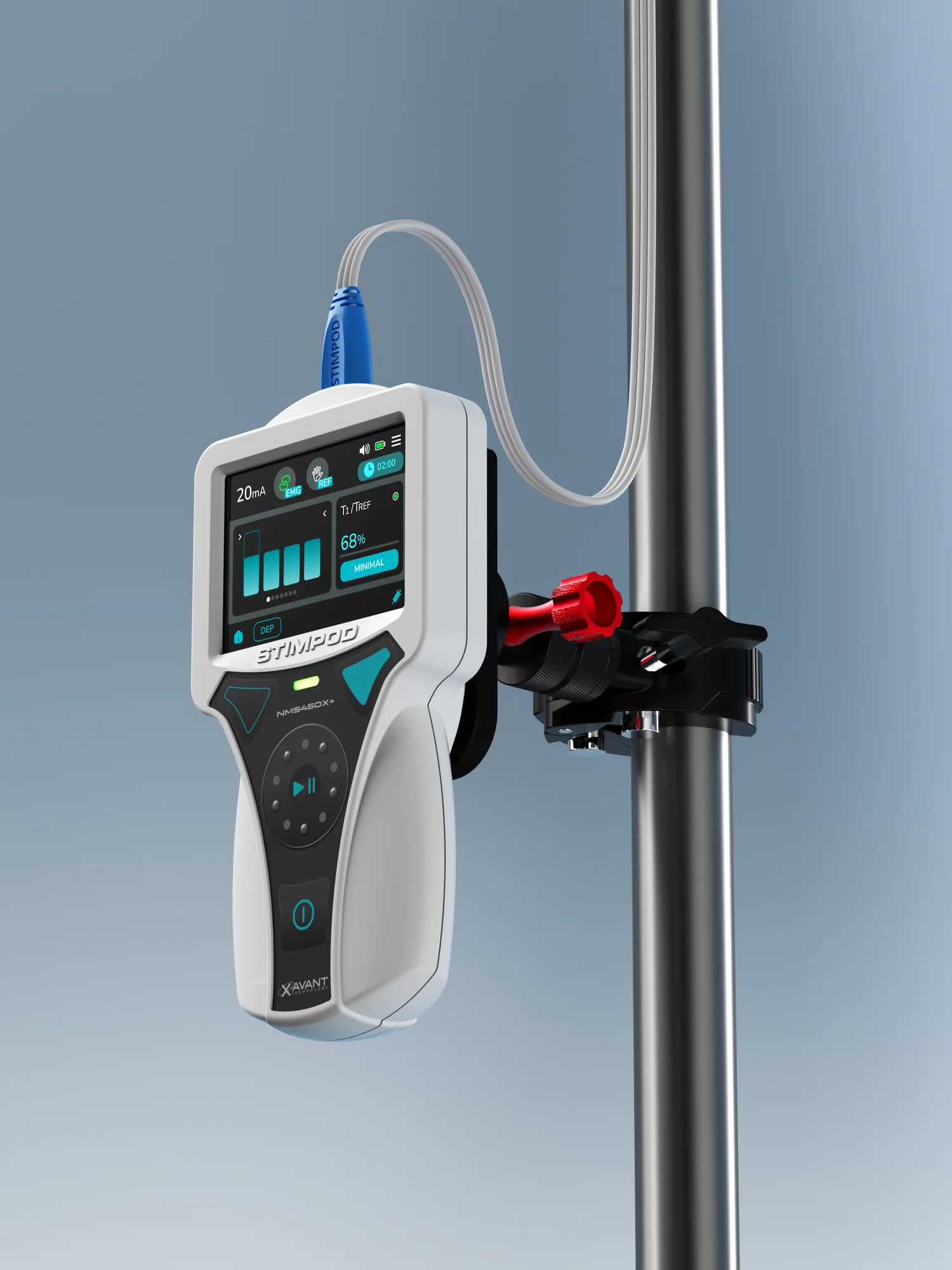
When the patient moves, the Stimpod™ goes with them.
The Stimpod™ is a handheld, so it can travel with the patient to PACU or ICU on its Infinity Mount, keep monitoring on the way, and plug into the monitor at the next bed if that monitor is connected too.
Explore the Stimpod™ NMS450X+ →Supported patient monitors.
Each connection uses a Xavant cable on the Stimpod™ side and the monitor maker's own interface on the other. The values the monitor shows, and how it alarms on them, are set out in each monitor maker's instructions for use.
| Monitor maker | Supported monitors | What you need | Documents |
|---|---|---|---|
Philips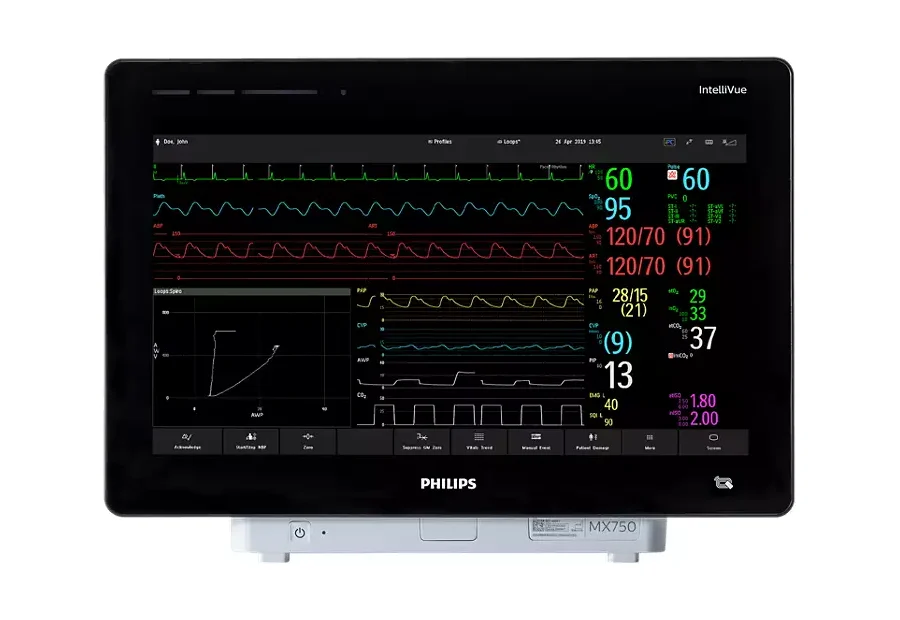 |
|
Works with the Stimpod™ NMS450X+ and the NMS450X, on software version 10 or later. |
|
Mindray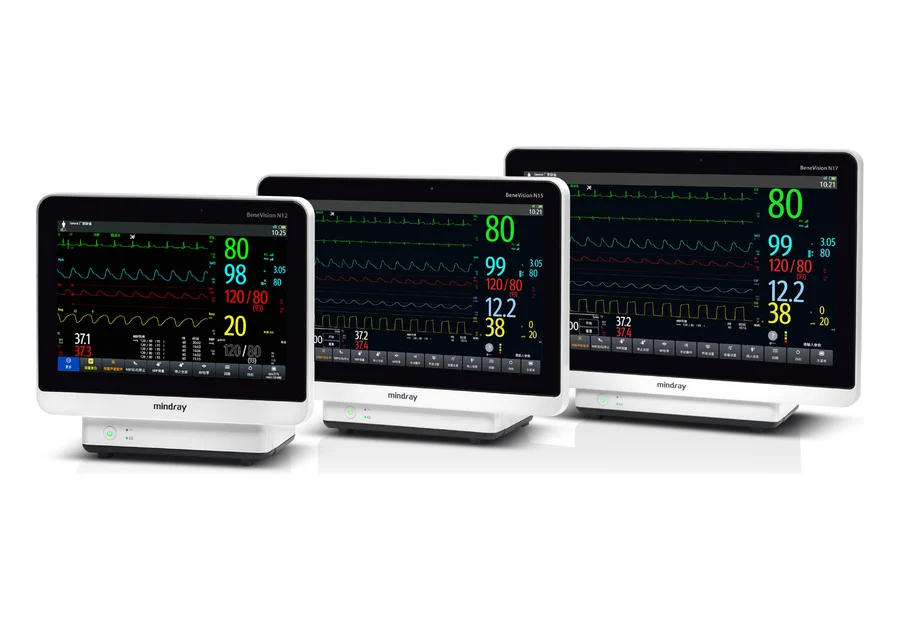 |
|
Stimpod™ NMS450X+ (XT-45030) on software 10.6.7 or later. |
|
Biolight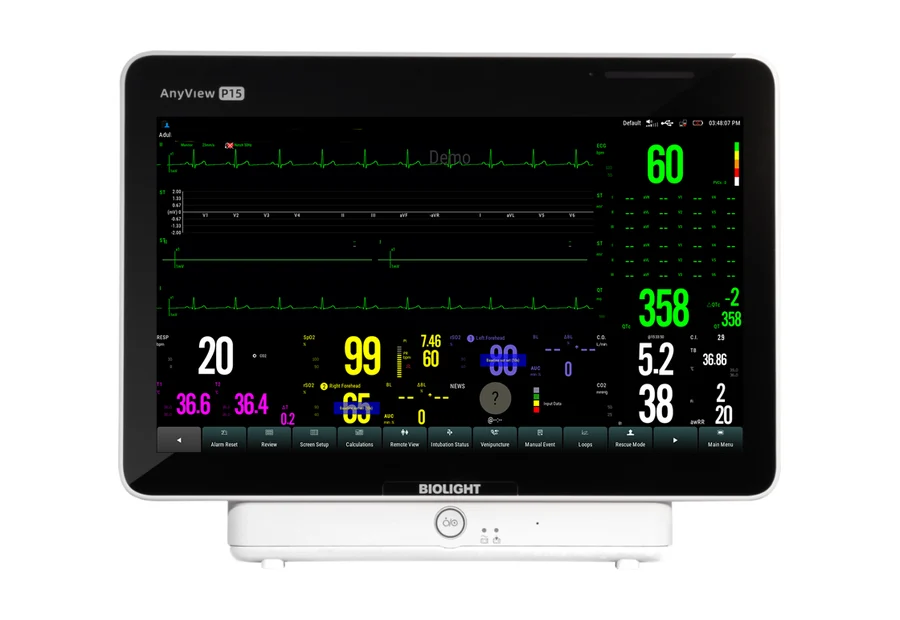 |
|
|
|
More monitor makers are being added. If yours isn't listed, ask us.
Pick the route into the record that fits your hospital.
Through the patient monitor, the Stimpod™ result rides on a connection the hospital already runs. X-Link takes it straight to the record over Ethernet, with no patient monitor in between.
| Question | Through the patient monitor | Straight to the record with X-Link |
|---|---|---|
| Where the number shows | On the patient monitor, next to the other vital signs, and on the Stimpod™ | On the Stimpod™, and in the patient record |
| How it reaches the EMR | Through the monitor's existing EMR connection | Over the hospital's Ethernet network in HL7, FHIR and IHE |
| What you add | A Xavant cable, plus the monitor maker's interface parts | An X-Link on the IV pole, which also charges the Stimpod™ while it's docked |
| Who controls the Stimpod™ | The clinician, on the Stimpod™; the monitor only displays | The clinician, on the Stimpod™; X-Link reads the device and never influences it |
| A good fit when | Your theatres run a supported monitor and it already sends data to the record | You want the result in the record without going through a patient monitor |
Tell us which monitors you run.
We'll come back with the parts list for your theatres and show the Stimpod™ on your own screen.